

Google Ads Performance Max (PMax) Audit Checklist
A checklist to see what is working inside your Performance Max campaigns, and where to take back control.
See it in action
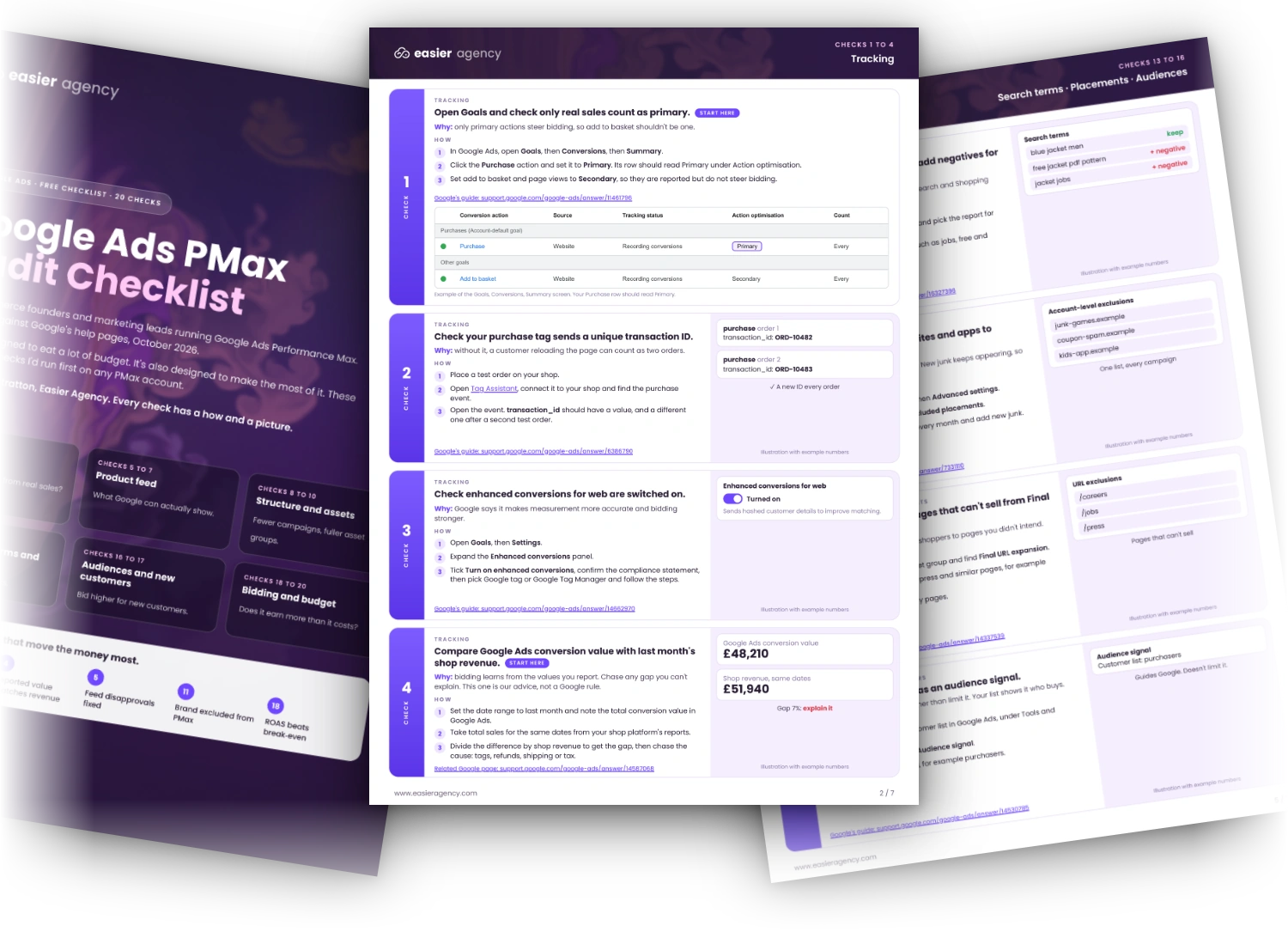
PMax Audit Checklist, in use.
The short answer
The Google Ads Performance Max (PMax) Audit Checklist is a free seven-page PDF from Easier Agency with 20 checks for your Google Ads PMax campaigns. It covers conversion tracking, the Merchant Center product feed, assets, brand and search terms, audiences, new customers, bidding and budget, so ecommerce brands can see what is working.
The problem it solves
Performance Max campaigns are powerful but opaque. Most brands can't see which parts of the spend are working.
How it works
Three steps.
Download the checklist
7 pages, 20 checks, each with how to do it and a picture.
Open your Google Ads account
Go through each Performance Max campaign, one check at a time.
Fix the gaps first
Anything you can't tick is where to start.
Before you start
Performance Max shows little of where the money goes. These 20 checks show what is working and where to take control. Each follows Google’s own help page where one exists. If you would rather have a team do it, see our Google Ads agency service.
How to run the audit
Take one campaign at a time. Do tracking and the product feed first, because bad data there makes every later check misleading. Tick what you can prove. Fix the unticked checks in the order the cover suggests.
What’s inside the Google Ads PMax audit checklist
- Tracking: 4 checks
- Product feed: 3 checks
- Structure and assets: 3 checks
- Brand, search terms and placements: 5 checks
- Audiences and new customers: 2 checks
- Bidding and budget: 3 checks
Get the checklist
Enter your work email above and all 7 pages open. Each check has the steps and a picture, so you can run it yourself.
Want us to check your account?
We’ll look over your account for free. Book a free call and we’ll go through what you find with you.
Is it for you?
Who it is for.
YESBuilt for
- Brands running Performance Max in Google Ads who want to check the setup themselves.
NOProbably not for you if
- Accounts with no Performance Max campaigns.
Questions
PMax Audit Checklist: common questions.
What does a Performance Max audit check?
Six areas: conversion tracking, the Merchant Center product feed, campaign structure and assets, brand traffic and search terms, audiences and new customers, and bidding and budget. The checklist has 20 checks across them.
Who is the PMax Audit Checklist for?
Ecommerce brands that already run Performance Max campaigns in Google Ads and want to check the setup themselves. It is not for accounts with no Performance Max campaigns.
How often should I audit Performance Max?
Run the full 20 checks when you take over an account and again every quarter. Check it again before a big sale.
Is the checklist free?
Yes. Enter your work email and all 7 pages open straight away.
Can Easier Agency check my Performance Max account for me?
Yes. Book a free call and we will go through what you find with you.
More tools
More tools.
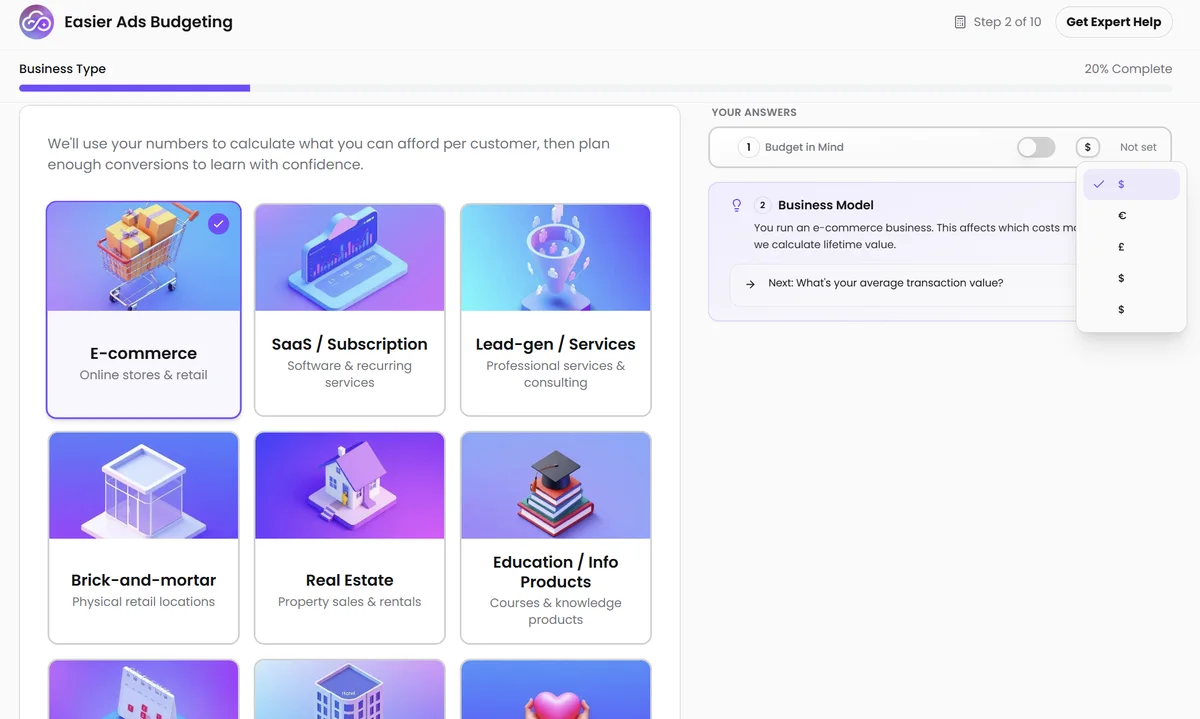
Easier Ads Budgeting
Shows how much you need to spend to test a new ad channel properly, so you do not switch off a good channel too early.
Easier Search Terms
Checks tens of thousands of Google Ads search terms in about 90 seconds and lists the ones wasting your money. By hand, that takes a week.
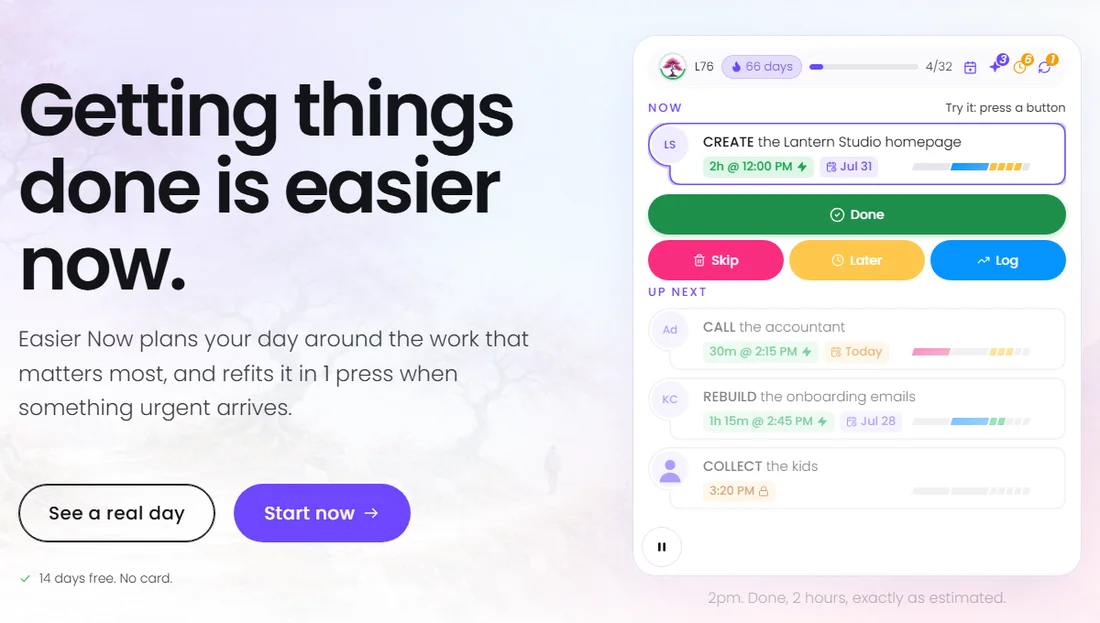
Easier Now
A simple planning app that keeps you and your team working on the tasks that matter most, and plans your calendar around them.

The tool shows the problem. We can fix it.
Book a free call and share what the tool showed you. We will tell you what we would fix first.
- No sales pitch
- No obligation
- You own every account